Festival timetable software · Free for selected 2026 events
Build your festival timetable without spreadsheet drift.
Create your artist schedule, send performers private edit links, and publish a public timetable that looks and feels like your festival.


Live lineup page
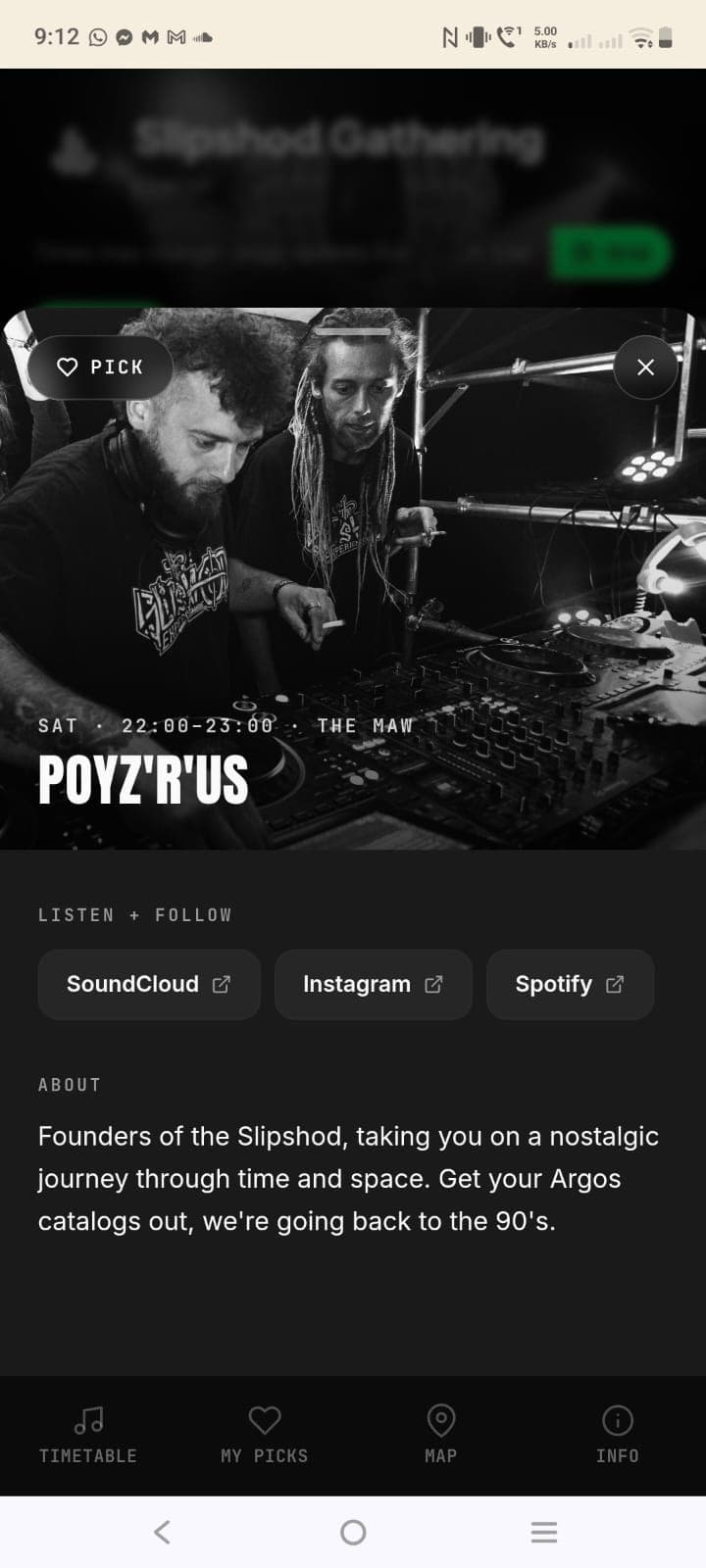
Artist photos, bios, links, set times, favourites, and stage clashes in one public timetable.

Slipshod Gathering
Friday · Main stage · Site opens · Artists · Lanyard
COMP WINNER
12:00 · THE MAW
mr bonbon
12:00 · THE HE!P DE?K
ZQLS
13:00 · THE MAW
Dusty Cheese
13:00 · THE HE!P DE?K
Rozz Rigo
14:00 · THE MAW
ridderz
14:00 · THE HE!P DE?K
jimmy G
14:00 · NEWAGE FAIRE
Bedwell
15:00 · THE MAW
Hippycrit
15:00 · THE HE!P DE?K
Child of the beat
15:00 · NEWAGE FAIRE
Sam i am
16:00 · THE MAW
froggy
16:00 · THE HE!P DE?K
Toxicating takeover
16:00 · NEWAGE FAIRE
Hang the DJs
17:00 · THE MAW
tropygal
17:00 · THE HE!P DE?K
leapod Vessel
17:00 · NEWAGE FAIRE
Wizzward
18:00 · THE MAW
progstar
18:00 · THE HE!P DE?K
Rythmix (Nala)
18:00 · NEWAGE FAIRE
Psilocybin Laden
19:00 · THE MAW
bubble07
19:00 · THE HE!P DE?K
Nest Collective
19:00 · NEWAGE FAIRE
K4NE b2b Ascendant
20:00 · THE MAW
Emidora
20:00 · THE HE!P DE?K
Newage collective
20:00 · NEWAGE FAIRE
COMS
21:00 · THE MAW
Medicine grin
21:00 · THE HE!P DE?K
Minx190
21:00 · NEWAGE FAIRE
PoyzRus
22:00 · THE MAW
PIGPEN
22:00 · THE HE!P DE?K
Gammer
23:00 · THE MAW
Before you publish
Get the missing artist details in one place.
01 · Schedule
Build the timetable once.
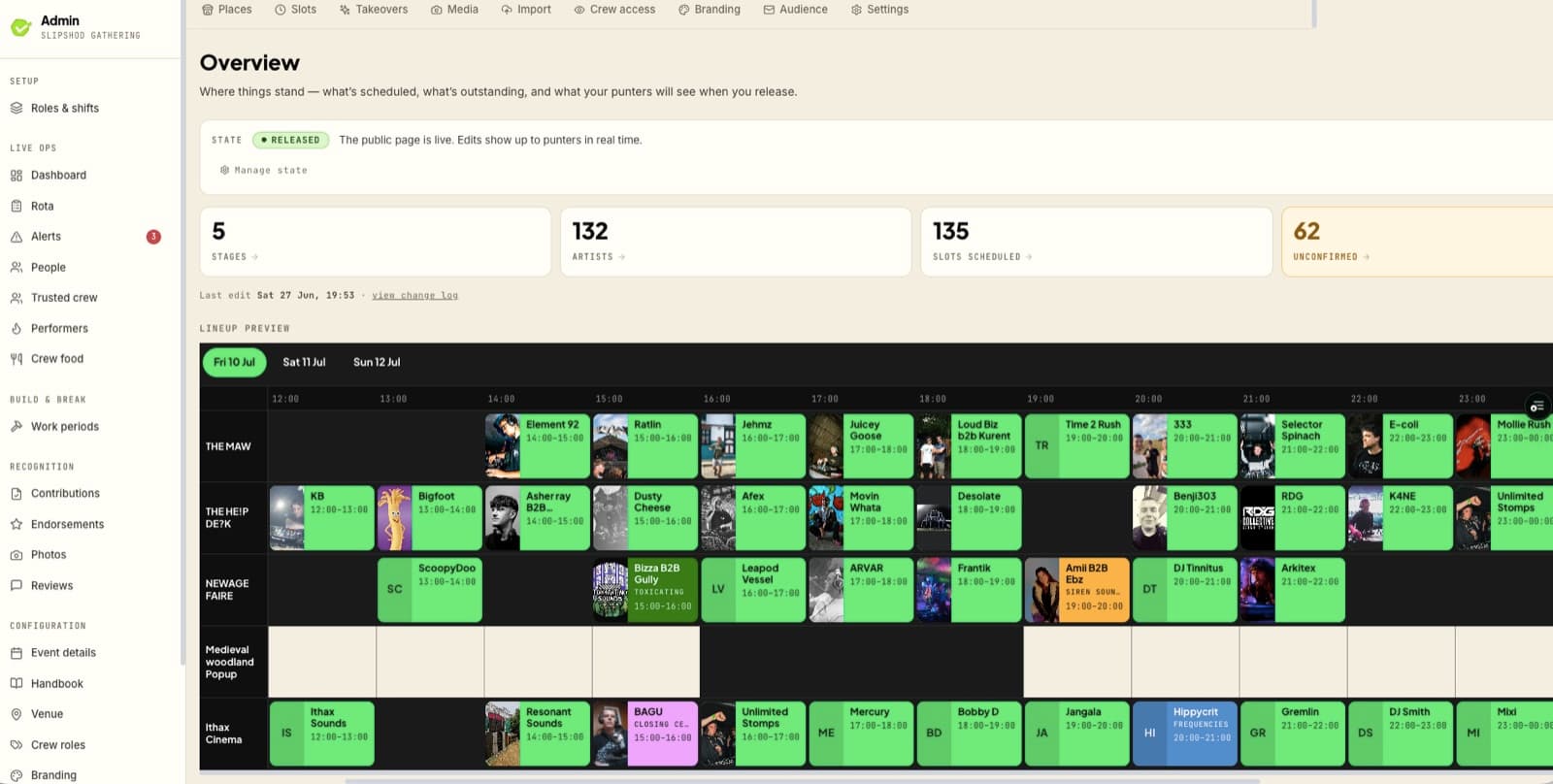
Stages, set times, artists, confirmation status, bios, photos, links, and branding all sit together, so your team stops juggling versions.
02 · Artists
Stop chasing assets.
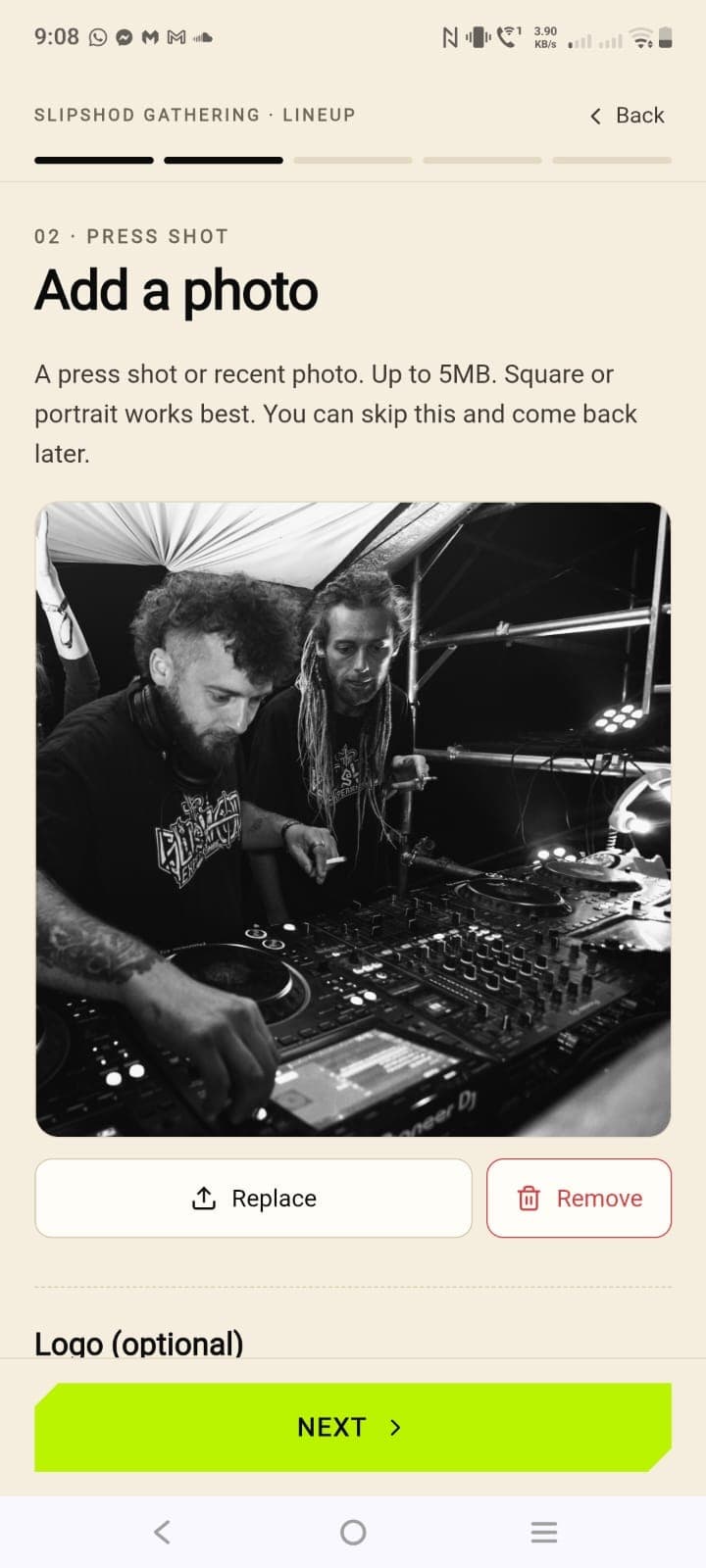
Each artist gets a private edit link. They can confirm their slot, add a bio, upload a photo, and share links without creating another login.
03 · Audience
Publish something worth sharing.
Your logo, imagery, colour, and tone lead the public page. Favourites and clash awareness make the timetable genuinely useful once it is live.


Public timetable
Publish a lineup that looks official.
Use your logo, photos, colours, and share-card artwork so the timetable feels like part of the festival, not a link to a generic spreadsheet.

Lineup meets Workforce
Workers can see who's playing during their shift.
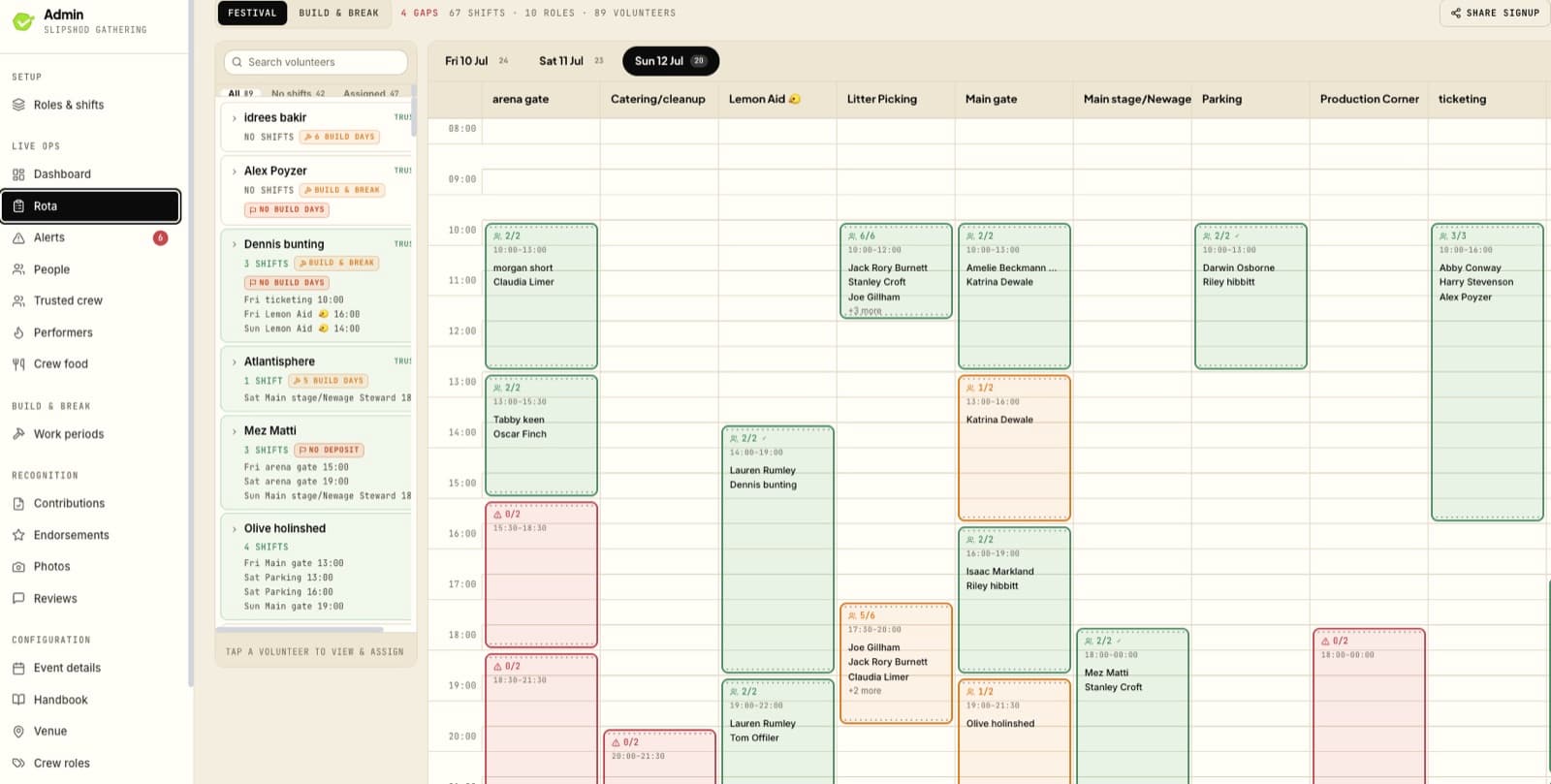
The artist timetable can connect to the worker timetable. When someone opens a shift card, Lanyard can show the acts playing at the same time, across every stage.
Artist timetable
Saturday evening
Hang the DJs
THE MAW
Wizzward
THE MAW
progstar
THE HE!P DE?K
Psilocybin Laden
THE MAW
K4NE b2b Ascendant
THE MAW
data
Worker shift card
Gate team
18:00-20:00 · Main gate
Acts during your shift
3 foundWizzward
THE MAW · 18:00-19:00
progstar
THE HE!P DE?K · 18:00-19:00
Psilocybin Laden
THE MAW · 19:00-20:00
If a worker has favourited an act that overlaps their shift, Lanyard can flag it before the day gets noisy.
Better shift planning
Crew leads can spot favourite clashes before people ask for swaps on the day.
Less context switching
Workers do not need to bounce between the public timetable and their shift card to know what is on.
Connected schedules
Artist slots, public lineup pages, and worker shift context can all use the same timetable.
Why it matters
Build it once. Publish it everywhere.

Less chasing
Artists update their own details through private links, so bios, photos, and confirmations stop living across threads.
Cleaner comms
Your team works from one schedule, then releases the public page when the lineup is ready.
Better audience experience
Festival-goers get a timetable that feels like your event, saves favourites, and makes clashes easier to spot.